
Download VuzeVPN – Secure, Unlimited VPN for Streaming & Privacy
Overview
VuzeVPN is a fresh entrant in the crowded VPN market, offering a 24/7 unlimited service that blends strong security with user‑friendly design. Developed by Azureus Software, Inc., the same company behind the popular Vuze BitTorrent client, this VPN is positioned as an affordable yet powerful privacy tool for both casual browsers and power users. The service provides military‑grade AES‑256 encryption, a built‑in kill switch, and DNS leak protection to keep your digital footprint invisible.
While the server network is modest—200 servers across 40 countries—the emphasis is on consistent speed, making it a solid choice for streaming platforms like Netflix, Hulu, and Disney+, as well as light gaming and torrenting. A 7‑day free trial (limited to 50 MB per day) lets new users test the waters before committing to a subscription. Plans are flexible, ranging from a month‑to‑two‑year term, each allowing up to five simultaneous device connections.
With a 30‑day money‑back guarantee and responsive email support, VuzeVPN aims to provide a hassle‑free, secure browsing experience without the bloat of unnecessary features.
Core Features of VuzeVPN
- Unlimited 24/7 connectivity: No data caps or throttling, ensuring continuous protection.
- Military‑grade AES‑256 encryption: Keeps your internet traffic encrypted from end‑to‑end.
- Instant kill switch: Automatically blocks all traffic if the VPN connection drops.
- Secure DNS & WebRTC leak protection: Prevents accidental exposure of your real IP address.
- Geo‑unblocking for streaming: Access Netflix, Hulu, Amazon Prime, and other services from any supported region.
- Multi‑device support: One license covers up to five devices simultaneously.
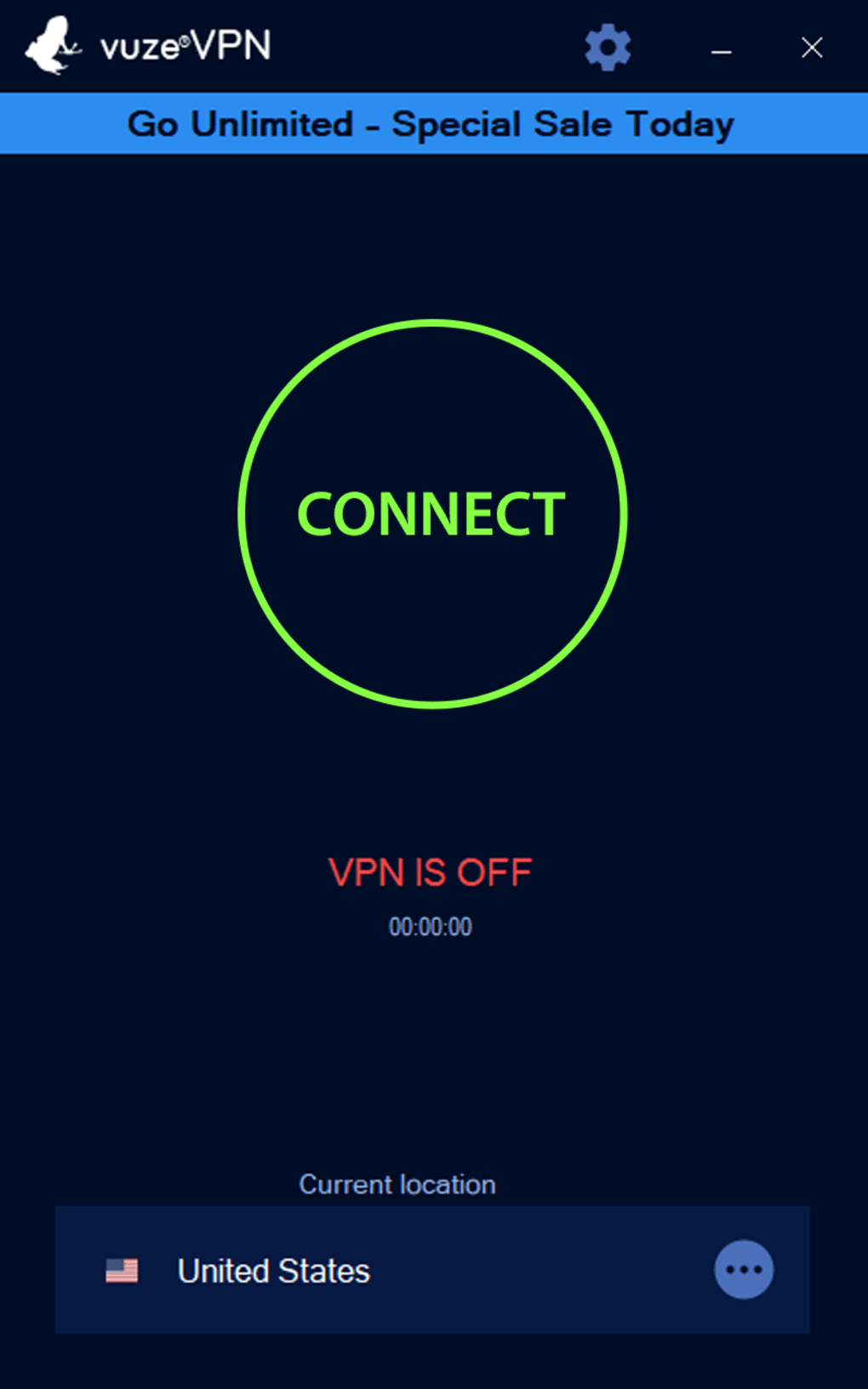
- Lightweight client: Simple UI with a large “Connect” button, ideal for users who want set‑and‑forget protection.
- Free 7‑day trial: Try the service before you buy, with a limited 50 MB daily allowance.
- 30‑day money‑back guarantee: Risk‑free subscription with full refund if you’re not satisfied.
- Automatic updates: The client checks for the latest security patches and feature improvements.
Installation, Setup & Daily Usage
Getting started with VuzeVPN is straightforward, regardless of whether you’re on Windows, macOS, Android, or iOS. Follow these steps to enjoy secure browsing in minutes:
- Download the installer: Visit the official VuzeVPN website and click the “Download” button that matches your operating system. The file size is under 30 MB, so the download completes quickly even on slower connections.
- Run the installer: On Windows, double‑click the
.exefile and follow the wizard prompts. macOS users will open the.dmg, drag the VuzeVPN icon to the Applications folder, and launch it. Android and iOS users can install directly from Google Play Store or Apple App Store. - Create or log in to your account: If you’re a new user, select the “Start Free Trial” option, provide an email address, and set a password. Existing subscribers simply enter their credentials.
- Choose a server location: The main interface displays a large “Connect” button and shows your current location at the bottom. Click the location field to pick a country; VuzeVPN will automatically select the best server within that region.
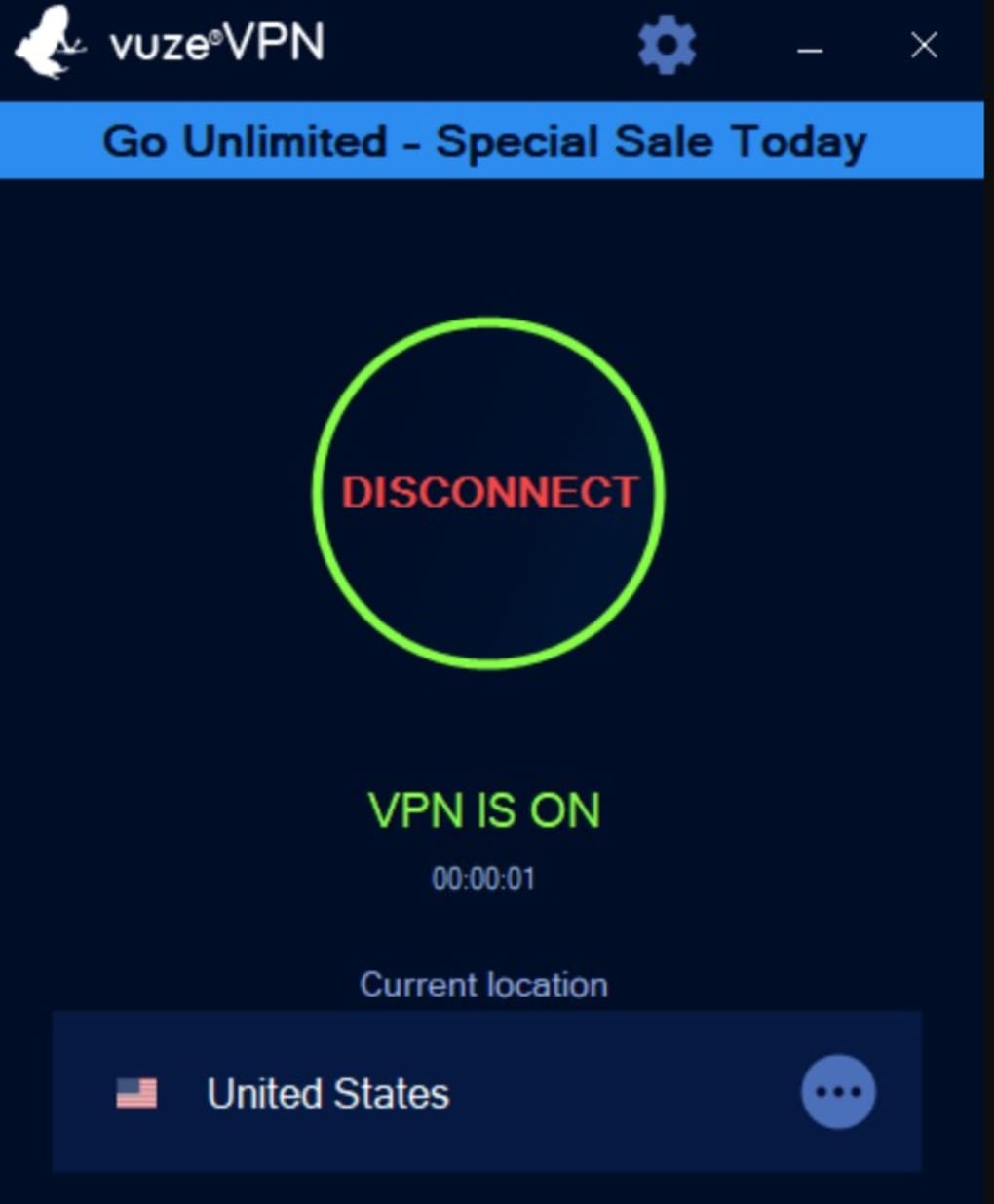
- Connect with one click: Press the “Connect” button. Within seconds, the status bar changes to “Connected,” and your new IP address appears. You can verify the connection on
whatismyip.comto confirm anonymity. - Adjust optional settings: Click the gear icon in the top‑right corner. In the “General” tab you can enable “Launch at system startup” and “Minimize when connected.” The “Account” tab allows you to sign out or manage your subscription, while the “About” tab provides version info and update checks.
- Enjoy secure browsing: Once connected, all internet traffic from your device routes through VuzeVPN’s encrypted tunnel. You can stream, browse, or download files with confidence that your data remains private.
Uninstalling the client is equally simple: use the standard OS method (Add/Remove Programs on Windows, drag to Trash on macOS, or uninstall from app settings on mobile). Because VuzeVPN does not embed any hidden services, removing it leaves no residual files.
Compatibility, Pros & Cons
Supported Platforms
VuzeVPN offers native clients for the major operating systems:
- Windows 7, 8, 10, 11 (64‑bit)
- macOS 10.13 (High Sierra) and later
- Android 6.0 (Marshmallow) and up
- iOS 12.0 and later
All versions share the same core engine, ensuring consistent encryption standards across devices. The mobile apps also support split‑tunneling, letting you route only specific apps through the VPN while others use the regular internet connection.
Pros
- Strong AES‑256 encryption and reliable kill switch keep data safe.
- Unlimited bandwidth with consistently high speeds, even on distant servers.
- Simple, uncluttered UI makes it ideal for VPN beginners.
- Affordable pricing with multi‑year discounts and a 30‑day refund policy.
- Effective geo‑unblocking for popular streaming services.
Cons
- Server network is smaller than industry giants (200 servers in 40 countries).
- Cannot select individual servers; only country‑level selection is available.
- Free trial limits bandwidth to 50 MB per day, which may be restrictive for testing.
- Advanced features such as double‑VPN or obfuscated servers are not offered.
Frequently Asked Questions
Is VuzeVPN compatible with torrent clients?
Yes. VuzeVPN works seamlessly with popular torrent clients, including the Vuze BitTorrent client from the same developer. Its strong encryption and kill switch protect your identity while downloading or seeding files.
Can I use VuzeVPN on multiple devices simultaneously?
A single subscription allows up to five simultaneous connections. This covers a mix of desktops, laptops, smartphones, and tablets under one account.
What happens if the VPN connection drops?
The built‑in kill switch instantly blocks all internet traffic, preventing any data from leaking until the VPN tunnel is re‑established.
Does VuzeVPN keep logs of my online activity?
No. VuzeVPN follows a strict no‑logs policy: it does not monitor, track, or store any details about your browsing history, traffic metadata, or connection timestamps.
How can I get a refund if I’m not satisfied?
VuzeVPN offers a 30‑day money‑back guarantee. Simply contact support within the refund window, and your payment will be returned via the original method.
Conclusion & Call to Action
VuzeVPN stands out as a compact, cost‑effective solution for users who value privacy, speed, and simplicity. While its server footprint is modest compared with market leaders, the consistent performance across those locations makes it especially attractive for streaming, light gaming, and secure torrenting. The military‑grade AES‑256 encryption, automatic kill switch, and DNS leak protection provide a robust shield against surveillance and data interception. Moreover, the user‑friendly interface eliminates the learning curve that often deters newcomers from adopting a VPN.
If you’re searching for an affordable VPN that delivers reliable speeds without unnecessary bloat, VuzeVPN is worth a try. The 7‑day free trial (albeit bandwidth‑limited) lets you evaluate the service risk‑free, and the 30‑day money‑back guarantee adds an extra layer of confidence. With multi‑device support and straightforward pricing, it fits both individual users and small families.
Ready to protect your online life? Click the button below to download VuzeVPN, start your free trial, and experience secure, unrestricted internet today.







